
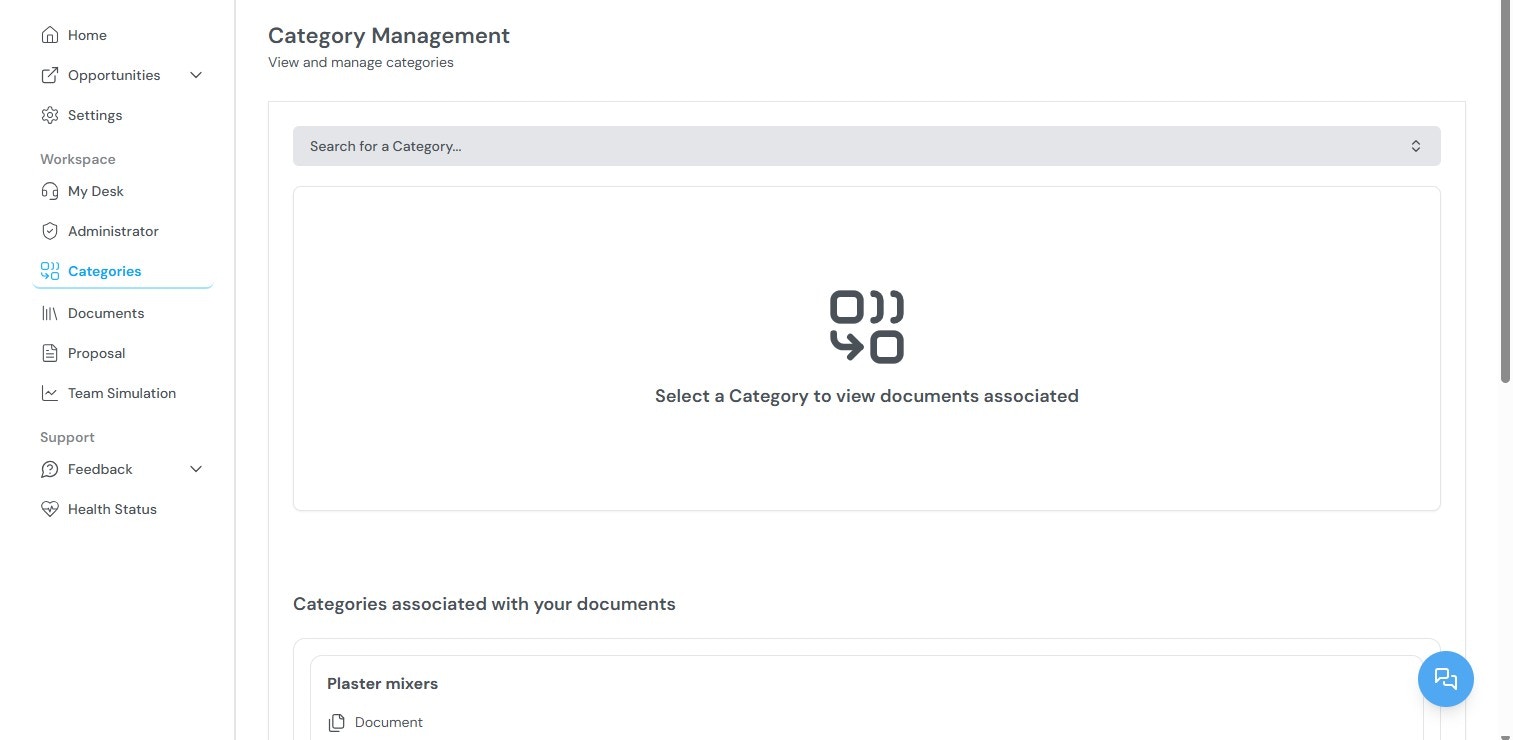
Available functions
From the Categories section, you can:- View all existing categories in your organization
- Search for categories using keywords
- Add documents to specific categories
- Remove documents from categories
How categories are used
Categories serve multiple purposes across the platform:Related topics
- Documents — Uploading and managing company files.
- Administrator Workspace — Managing partner profiles and their linked categories.
- Team Simulation — How categories support capability matching.